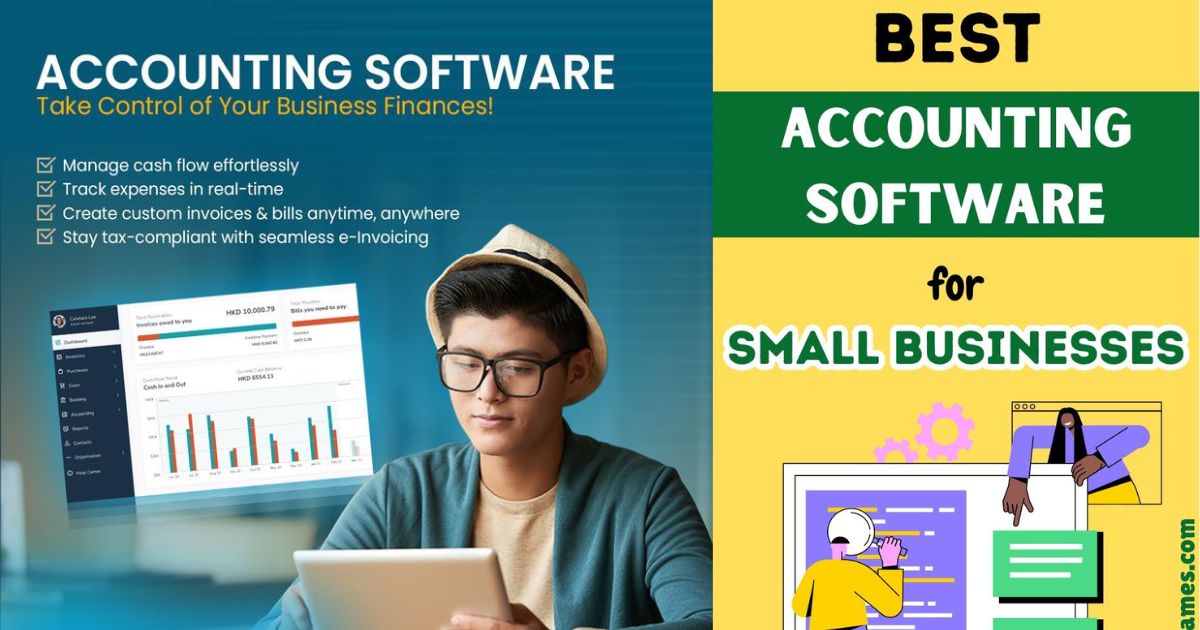
Managing business finances in 2026 is no longer just about tracking income and expenses—it’s about automation, real-time insights, scalability, and integration. The right accounting software can save hours of manual work, reduce costly errors, and give you the clarity needed to grow your business.
In this comprehensive guide, we’ll explore the top 10 accounting software tools that can streamline your financial operations, along with features, pricing, pros and cons, and expert insights.
Top 10 Accounting Software Tools to Streamline Your Business Finances
Accounting software has evolved into intelligent financial systems powered by automation and AI. Today’s tools help businesses:
- Automate bookkeeping
- Generate financial reports instantly
- Track cash flow in real-time
- Integrate with banking, payroll, and e-commerce systems
Platforms like QuickBooks, Xero, and Zoho Books dominate the space due to their flexibility and feature-rich ecosystems.
Why Accounting Software Is Essential in 2026
Automation Saves Time and Reduces Errors
Modern accounting tools automate:
- Invoice generation
- Expense categorization
- Bank reconciliation
This significantly reduces manual work and human error.
Real-Time Financial Visibility
Dashboards now provide instant access to:
- Profit & loss
- Cash flow
- Outstanding invoices
Better Decision-Making
With accurate financial data, business owners can make smarter decisions about investments, hiring, and scaling.
Compliance and Tax Efficiency
Most platforms support tax reporting and compliance, reducing stress during tax season.
Key Features to Look for in Accounting Software
Invoicing and Billing
Look for tools that offer:
- Custom invoices
- Recurring billing
- Payment reminders
Expense Tracking
Automatic expense categorization through bank feeds is now standard.
Bank Reconciliation
Top tools sync with bank accounts and reconcile transactions automatically.
Financial Reporting
Essential reports include:
- Balance sheet
- Profit & loss
- Cash flow statements
Integrations
Leading tools integrate with:
- Payment gateways
- CRM systems
- E-commerce platforms
Cloud Access
Cloud-based software allows remote access and real-time collaboration.
Top 10 Accounting Software Tools in 2026
1. QuickBooks Online – Best Overall
Overview
QuickBooks remains the industry leader due to its comprehensive features and scalability.
Key Features
- Advanced reporting
- Payroll integration
- Inventory tracking
- AI-driven insights
Pricing
- Starts around $30/month
Pros
- Feature-rich
- Scalable
- Strong ecosystem
Cons
- Expensive
- Learning curve
Best For
Small to medium-sized businesses needing full-featured accounting.
2. Xero – Best for Collaboration
Overview
Xero is known for its clean interface and strong collaboration features.
Key Features
- Unlimited users
- Multi-currency support
- Bank reconciliation
- 1,000+ integrations
Pricing
- Starts around $15/month
Pros
- Easy to use
- Great for teams
- Strong automation
Cons
- Entry-level limitations
Best For
Businesses with remote teams.
3. FreshBooks – Best for Freelancers
Overview
FreshBooks is designed for service-based businesses and freelancers.
Key Features
- Invoicing
- Time tracking
- Expense management
Pricing
- Starts at $19/month
Pros
- User-friendly
- Excellent invoicing
Cons
- Limited advanced features
Best For
Freelancers and consultants.
4. Zoho Books – Best Value for Money
Overview
Zoho Books offers powerful features at an affordable price.
Key Features
- Workflow automation
- Tax compliance
- Client portal
Pricing
- Free plan available
Pros
- Affordable
- Feature-rich
Cons
- Slight learning curve
Best For
Budget-conscious businesses.
5. Wave – Best Free Accounting Software
Overview
Wave is a completely free accounting platform.
Key Features
- Invoicing
- Expense tracking
- Receipt scanning
Pricing
- Free (paid add-ons available)
Pros
- No cost
- Easy to use
Cons
- Limited features
- Minimal support
Best For
Startups and microbusinesses.
6. Sage Business Cloud Accounting – Best for Growing Businesses
Overview
Sage offers scalable solutions for businesses planning to expand.
Key Features
- Cash flow forecasting
- Multi-currency support
- Payroll integration
Pricing
- Starts around $10/month
Pros
- Scalable
- Reliable
Cons
- Learning curve
Best For
Growing small businesses.
7. NetSuite ERP – Best for Enterprises
Overview
NetSuite is a powerful ERP system with advanced accounting capabilities.
Key Features
- Financial planning
- Global compliance
- Advanced reporting
Pricing
- Custom pricing
Pros
- Highly scalable
- Enterprise-grade
Cons
- Expensive
- Complex
Best For
Large businesses and enterprises.
8. Kashoo – Best for Simplicity
Overview
Kashoo focuses on simplicity and automation.
Key Features
- Automated categorization
- Simple interface
Pricing
- Starts around $20/month
Pros
- Easy to use
- Minimal setup
Cons
- Limited features
Best For
Small businesses with simple needs.
9. Patriot Accounting – Best for Payroll Integration
Overview
Patriot combines accounting with payroll features.
Key Features
- Payroll integration
- Tax compliance
Pricing
- Starts around $20/month
Pros
- Affordable
- Payroll-focused
Cons
- Limited integrations
Best For
U.S.-based small businesses.
10. Odoo Accounting – Best Modular Solution
Overview
Odoo offers a modular system that integrates accounting with other business functions.
Key Features
- Customizable modules
- CRM and inventory integration
Pricing
- Flexible pricing
Pros
- Highly customizable
- All-in-one platform
Cons
- Requires setup
Best For
Businesses needing customization.
Product Comparison Table
| Attribute | QuickBooks Online | Xero | FreshBooks | Zoho Books | Wave | Sage | NetSuite | Kashoo | Patriot | Odoo |
|---|---|---|---|---|---|---|---|---|---|---|
| Starting Price | $30/mo | $15/mo | $19/mo | Free | Free | $10/mo | Custom | $20/mo | $20/mo | Variable |
| Best For | All businesses | Teams | Freelancers | Budget users | Beginners | Growing SMBs | Enterprises | Simple use | Payroll users | Custom setups |
| Automation | High | High | Medium | High | Low | Medium | High | Medium | Medium | High |
| Scalability | High | High | Medium | Medium | Low | High | Very High | Low | Medium | Very High |
| Ease of Use | Medium | Easy | Very Easy | Medium | Very Easy | Medium | Complex | Easy | Easy | Medium |
Real User Insights (From Reddit)
Here’s what real users say:
“QuickBooks is packed with features… but can be overwhelming.”
“Xero… syncs perfectly and feels more reliable.”
“FreshBooks… does the job beautifully for freelancers.”
These insights highlight that the best tool depends on your specific needs.
How to Choose the Right Accounting Software
Identify Your Business Type
- Freelancers → FreshBooks, Wave
- Small teams → Xero, Zoho Books
- Growing companies → QuickBooks, Sage
- Enterprises → NetSuite
Consider Budget
Free tools are great for startups, but growing businesses need paid solutions.
Evaluate Features
Focus on what matters:
- Inventory
- Payroll
- Multi-currency
Check Integrations
Ensure compatibility with your existing tools.
Trends in Accounting Software (2026)
AI and Machine Learning
AI is now used for:
- Expense categorization
- Financial forecasting
Cloud-Based Dominance
Cloud solutions dominate due to flexibility and accessibility.
Mobile Accounting
Mobile apps allow financial management on the go.
Ecosystem Expansion
Platforms now offer thousands of integrations.
Common Mistakes to Avoid
Choosing Based on Price Alone
Cheap tools may lack critical features.
Ignoring Scalability
Switching software later is costly.
Overlooking User Experience
Complex tools reduce productivity.
Final Verdict
The best accounting software depends on your business needs:
- Best Overall: QuickBooks Online
- Best for Teams: Xero
- Best for Freelancers: FreshBooks
- Best Budget Option: Zoho Books
- Best Free Tool: Wave
Each tool has strengths and limitations, so choose based on your priorities.
Conclusion
Accounting software is essential for modern businesses. The right tool can:
- Save time
- Improve accuracy
- Provide valuable insights
With options like QuickBooks, Xero, FreshBooks, Zoho Books, and others, businesses in 2026 have more powerful tools than ever before.
Take advantage of free trials, compare features, and choose a solution that grows with your business.